
How to Recover Deleted Files: Phones, Hard Drives & SD Cards
Recover lost data fast with recovery software, mobile fixes, expert tips & step-by-step data recovery solutions.
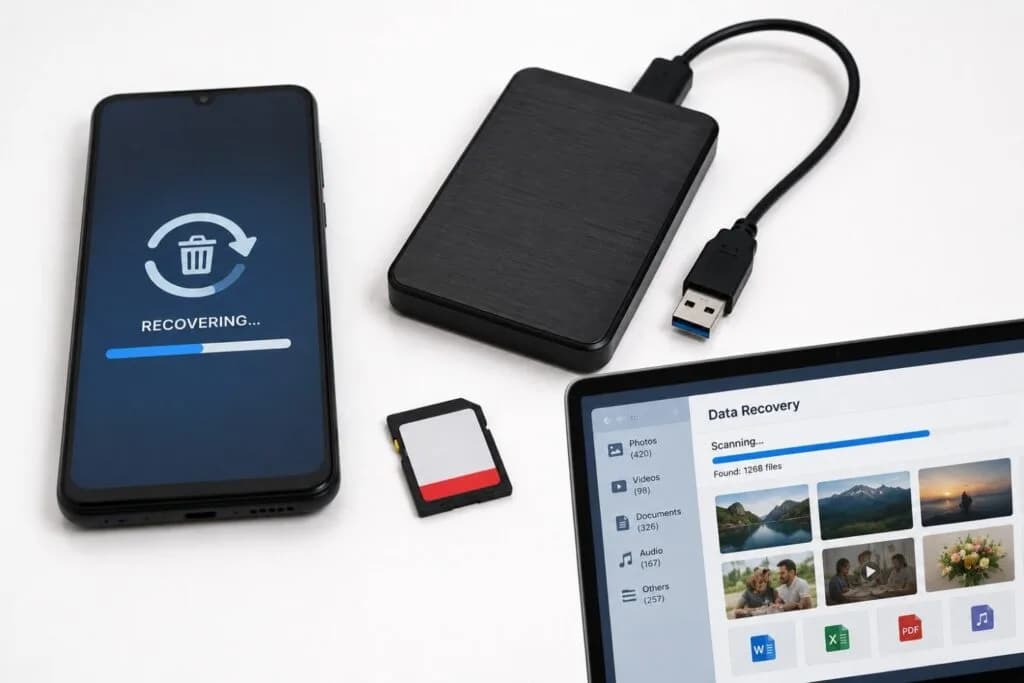
Losing important data can feel overwhelming—whether it’s family photos, critical office files, WhatsApp conversations, or sensitive business documents.
From accidental deletion to hardware failure, data loss can happen unexpectedly and impact both personal and professional operations.
At SOS Technology, we provide advanced data recovery and IT infrastructure solutions for businesses and individuals across the UAE.
1. Mobile Phone Recovery: Bringing Lost Data Back
Modern smartphones store everything from passwords and banking data to conversations and media files. When a phone becomes damaged or corrupted, recovering that information becomes critical.
Common Causes of Mobile Data Loss
- Accidental deletion of files or chats
- Software crashes and factory resets
- Water damage or motherboard failure
- Broken displays and physical damage
What Can Be Recovered?
- Photos and videos
- Contacts and call history
- WhatsApp chats and attachments
- Voice notes and downloaded files
If you lose data on a smartphone, stop using the device immediately. Continuous use may overwrite recoverable information permanently.
2. Hard Drive Failures: When Storage Devices Stop Working
Hard Disk Drives (HDDs) and SSDs eventually fail due to wear, corruption, electrical damage, or physical impact.
Signs Your Hard Drive May Be Failing
- Clicking, grinding, or unusual noises
- Slow performance and freezing
- Missing or corrupted files
- Drive not detected by the system
If any of these symptoms appear, back up your files immediately before the drive becomes permanently inaccessible.
Two Types of Data Recovery
- Logical Recovery: Recovery from accidental formatting, corruption, malware damage, or deleted files using software-based methods.
- Physical Recovery: Recovery from damaged hardware requiring cleanroom repair, component replacement, and forensic extraction.
For businesses operating in Dubai and across UAE, professional recovery labs help ensure secure handling, confidentiality, and faster turnaround times.
3. DIY Recovery Software vs Professional Recovery Labs
Not every recovery situation requires laboratory intervention. If the storage device is physically healthy, recovery software can often retrieve deleted data successfully.
| Scenario | DIY Recovery Software | Professional Recovery Labs |
|---|---|---|
| Best For | Deleted files, formatted drives, software corruption | Water damage, clicking drives, dead hardware |
| Cost | Lower software licensing cost | Higher based on damage severity |
| Risk | Safe for healthy drives | Safest option for damaged hardware |
Popular Recovery Software Tools
For healthy storage devices, these tools are widely used for recovering deleted files:
- Disk Drill
- EaseUS Data Recovery Wizard
- Recuva
These applications support recovery from external drives, USB flash devices, SD cards, and formatted partitions.
4. Flash Storage & WhatsApp Recovery
SD & microSD Card Recovery
Memory cards used in cameras, drones, and mobile devices often display corruption errors unexpectedly.
- Do not format the card immediately
- Recovery software may still access hidden files
- Photos and videos are often recoverable
WhatsApp Data Recovery
WhatsApp recovery depends heavily on backups and encrypted local databases.
- Restore from iCloud or Google Drive backups
- Recover Android local backup databases
- Restore deleted media attachments
5. How to Prevent Future Data Loss
The best recovery strategy is proactive backup and storage management.
- Follow the 3-2-1 Backup Rule: Maintain three copies of data across two storage types with one off-site backup.
- Replace Aging Drives: Most consumer drives have a 3–5 year operational lifespan.
- Use Surge Protection: Electrical spikes can instantly damage storage hardware.
- Enable Cloud Backup: Automated synchronization reduces long-term risk.
Conclusion
Losing important files can be stressful, but deleted data is often still recoverable if the correct steps are taken quickly.
If the issue involves accidental deletion, software recovery tools may help. If the device is physically damaged or making unusual noises, professional recovery services are the safest option.
The faster recovery begins, the higher the chances of successfully restoring your files.
Professional Data Recovery Services Across UAE
Partner with SOS Technology for secure and professional data recovery solutions for HDDs, SSDs, smartphones, SD cards, RAID systems, and enterprise storage environments.
- Mobile phone & WhatsApp recovery
- HDD & SSD recovery services
- RAID and enterprise recovery
- Secure and confidential handling
Contact us today for immediate recovery assistance.