

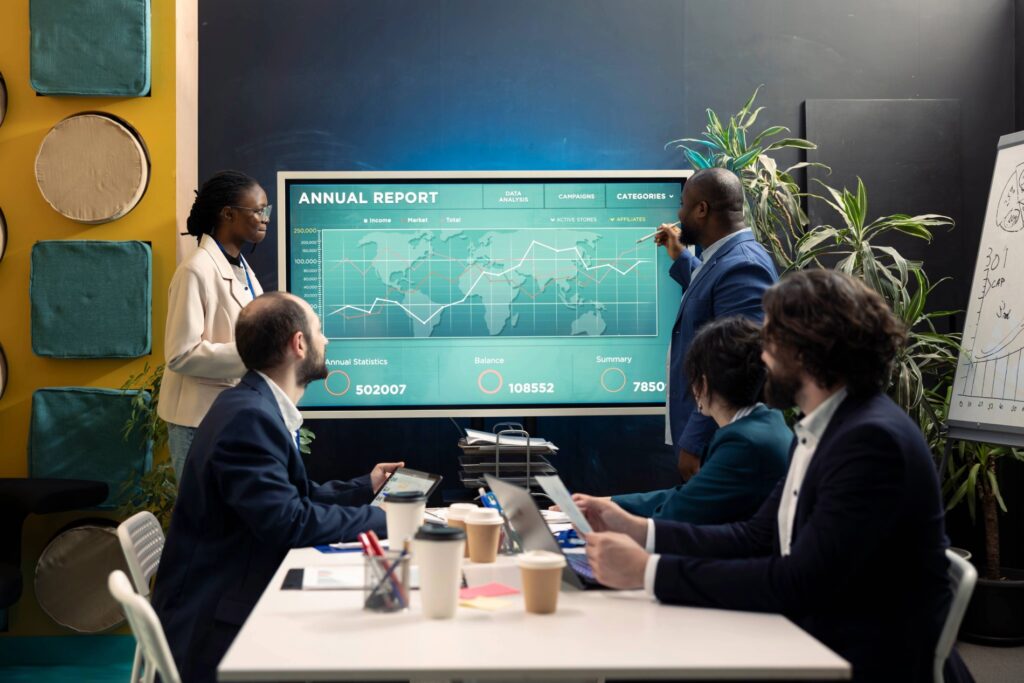
Interactive Displays: Boosting Engagement Across All Sectors!
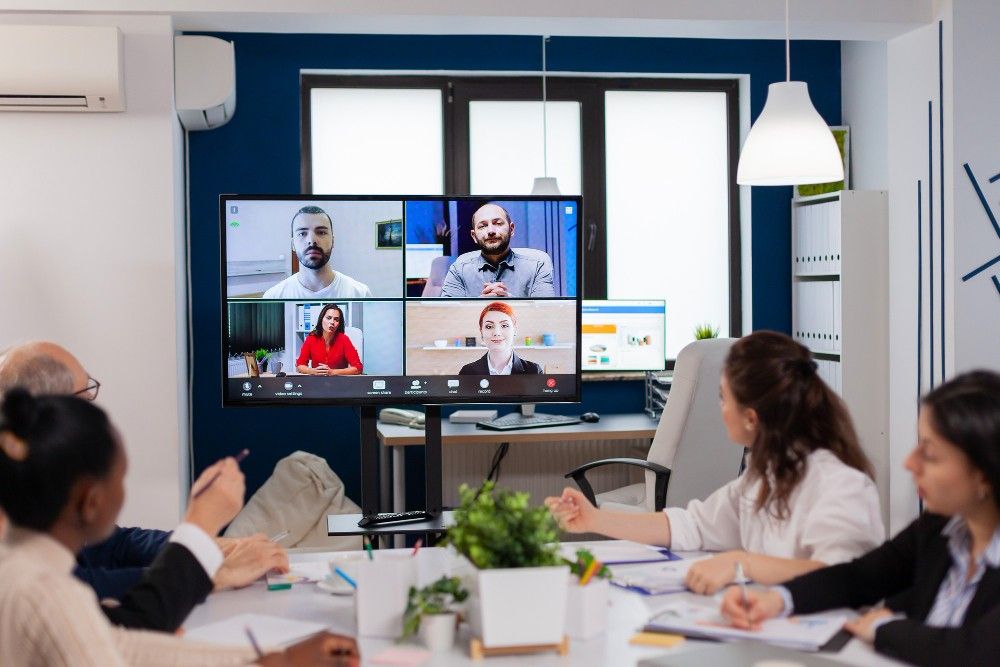
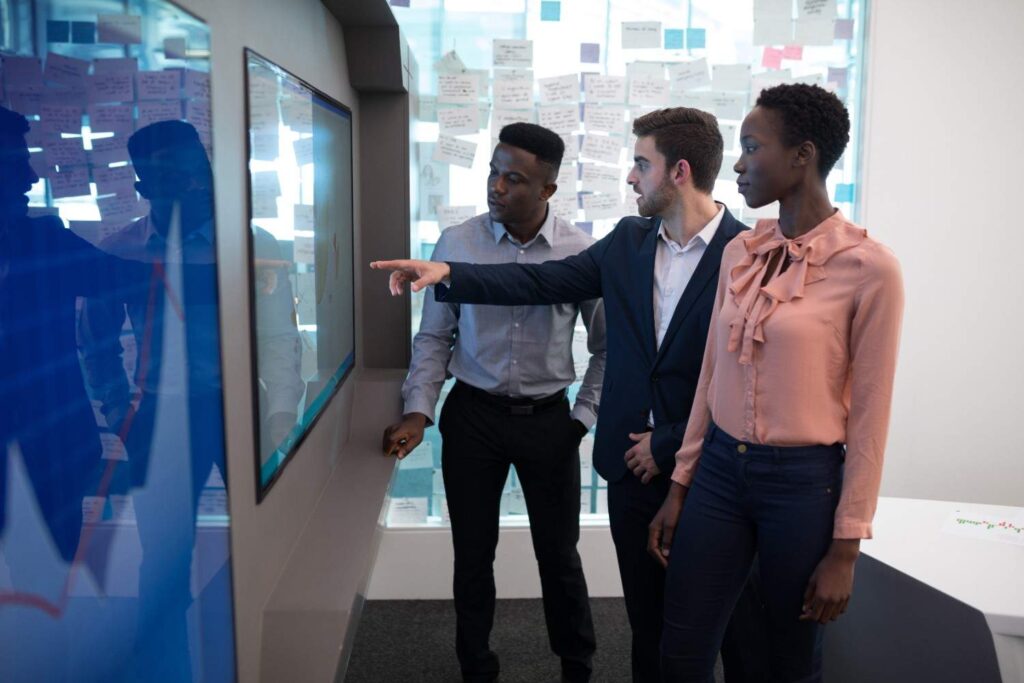
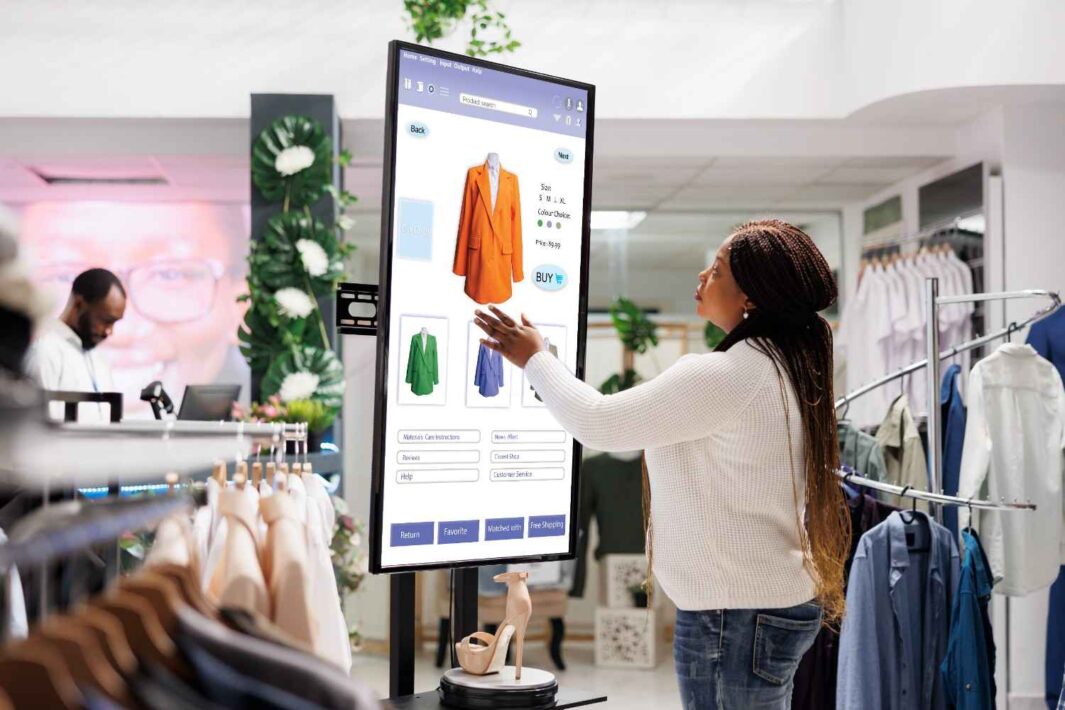
Schools and colleges benefit from interactive displays by enabling smart classrooms, increasing student engagement, and supporting modern teaching methods. Corporate offices use them for hybrid meetings, seamless presentations, and enhanced collaboration. Training institutes rely on interactive technology for hands-on learning, real-time demonstrations, and skill development. Government departments adopt these displays for efficient project reviews, planning sessions, and digital presentations. Retail and hospitality sectors leverage interactive screens for digital signage, improved customer engagement, and dynamic product showcasing. Healthcare facilities use them for patient education, internal communication, and staff training, ensuring smoother operations and better awareness.
Interactive Flat Panel Displays: Smarter, Faster, Collaborative
Ultra-HD 4K visuals and multi-touch responsiveness.
Built-in annotation and wireless connectivity for seamless interaction.
Enables interactive lessons, clearer presentations, and real-time collaboration.
Supports hybrid meetings and modern teaching or office workflows.
Reduces maintenance costs and modernizes classrooms and workspaces.
Interactive Boards for Classrooms
Touch-enabled screens with multimedia integration.
Real-time annotation for engaging lessons.
Supports hybrid and digital learning.
Boosts student participation and content sharing.
Easy selection, installation, and support by SOS Technology.
Interactive Ideas Come Alive
Touch-enabled writing, wireless sharing, and multimedia integration.
Real-time collaboration for active meetings and faster decisions.
Clearer presentations, better hybrid meeting support, improved brainstorming.
Ideal for boardrooms, huddle rooms, training zones, and collaborative spaces.
Expert installation and support by SOS Technology for a smooth transition.
 Why Choose Hikvision Interactive Displays
Many organizations struggle with low engagement, unclear presentations, and outdated display systems.
Hikvision Interactive Displays offer high-resolution touchscreens, real-time annotation, and wireless screen sharing.
Seamless integration with video conferencing and collaboration tools improves team interaction.
Boosts productivity, decision-making speed, and clarity in meetings, training, and classrooms.
SOS Technology makes the adoption simple—from choosing the right display to installation and support.
The Future of Visual Experiences Starts With Interactive Hologram Displays
Lifelike 3D visuals with touchless, immersive interaction.
Captivates audiences for presentations, product demos, and brand experiences.
Boosts engagement, product showcasing, and brand impact.
Ideal for retail, corporate lobbies, exhibitions, education, museums, hospitality, and events.
Expert design, customization, and deployment by SOS Technology.
Interactive Wall Displays:Â
Dynamic, touch-enabled surfaces for interactive content and real-time collaboration.
Vibrant visuals with gesture response and seamless connectivity.
Enhances customer engagement, presentations, and internal communication.
Ideal for offices, retail, classrooms, museums, hotels, and innovation hubs.
Expert deployment, customization, and support by SOS Technology.
Testimonials.
MS. CARLA E. BURTON
SHAFI. K.P
KATHRYN RODGERS
CAPTAIN G. S. BAKSHI
MEGHA ABRAHAM
SOS Technology offers complete IT infrastructure solutions—enterprise networking, cloud integration, ERP, ELV, and cybersecurity—to help businesses scale securely and thrive digitally.
Other ELV Related Service
CCTV Camera
Traditional security systems often fail to detect threats in time. We provide advanced CCTV systems in Dubai designed for continuous protection and smart monitoring.
Parking Management
Inefficient parking systems cause congestion, revenue loss, and visitor frustration. SOS Technology provides end-to-end
Intercom System
Manual entry points slow down traffic, compromise hygiene, and reduce operational efficiency. SOS Technology delivers intelligent automatic sliding door
Audio video soltuions
Smooth Meetings, Strong Impressions
Poor sound or display quality can impact
Why Chooose US
Protection
Visibility
Integration
Assurance
FAQ :Biometric Access control Systems
What is an interactive display?
An interactive display is a large touchscreen device—similar to a giant tablet—that lets users write, draw, swipe, and interact directly on the screen. It is commonly used in classrooms, meeting rooms, and training spaces for presentations, collaboration, and digital whiteboarding.
How expensive is a smartboard?
The cost of a smartboard can vary depending on brand, size, and features, but typical price ranges are:
- Basic models: $1,000–$2,500
- Mid-range models: $2,500–$4,000
- High-end / large / advanced models: $4,000–$7,000+
Installation, software licenses, and accessories may add additional cost.
What is the difference between interactive display and TV?
Â
| Interactive Display | TV |
|---|---|
| Touchscreen; users can write/draw on the screen. | No touch capability (unless specially designed). |
| Designed for teaching, presenting, and collaboration. | Designed mainly for viewing videos and media. |
| Includes whiteboard tools, apps, and classroom/meeting features. | Usually limited to media playback and streaming. |
| Higher durability for frequent touch use. | Not suitable for constant touch or annotation. |
In short: An interactive display is built for participation and collaboration, while a TV is built for viewing content only.
What is the difference between a smartboard and an interactive display?
A smartboard uses a projector and touch-sensitive board, while an interactive display is an all-in-one LED touchscreen panel.
Smartboard vs Interactive Display (Short):
- Uses projector ➜ No projector needed
- Shadows & glare ➜ Clear, bright screen
- Needs calibration ➜ Accurate built-in touch
- Higher maintenance ➜ Low maintenance
- Older tech ➜ Modern and reliable
In short:
A smartboard = projector-based.
An interactive display = self-contained touchscreen.
What sizes do interactive displays come in?
Interactive displays are available in a wide range of sizes to suit different room types and user needs. The most common options include 55″, 65″, 75″, 86″, and 98″ screens.
- 55″ – Ideal for small rooms, huddle spaces, or individual training areas.
- 65″ – A popular choice for standard classrooms and medium meeting rooms.
- 75″ – Suitable for larger classrooms or conference rooms where visibility is important.
- 86″ – Excellent for big boardrooms, lecture halls, and spacious training areas.
- 98″ – Perfect for large venues, auditoriums, and premium corporate environments.
These size options ensure there is a display suitable for any setting, from small collaborative spaces to large-scale presentations.
Do interactive displays support wireless screen sharing?
Yes. Most interactive displays allow wireless screen sharing from laptops, tablets, and phones, making collaboration easy and cable-free.