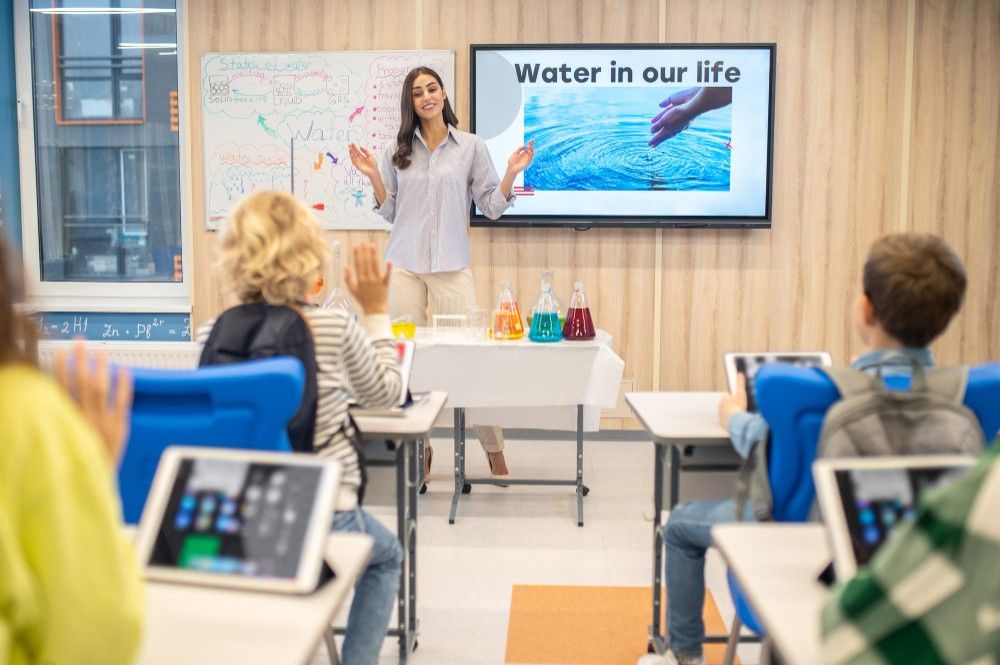
Interactive Boards for Classrooms: The Definitive FAQ for Educators
If you are researching the best technology for your learning environment,
the terminology can be confusing. This guide answers the most important
questions about interactive boards and helps educators make informed decisions.
The term “Smart Board” is often used generically, but the current industry
standard is the Interactive Flat Panel Display (IFPD).
Interactive Flat Panel Display (IFPD): A 4K touch display with integrated computing, speakers, and whiteboarding software.
Interactive Whiteboard (IWB): Older projector-based systems requiring external hardware.
SMART Board: A brand name often used to describe all interactive displays.
IFPD vs Smart TV: What Is the Difference?
Feature
Interactive Flat Panel Display (IFPD)
Consumer Smart TV
Design Purpose
Collaboration, Writing, Education (24/7 Use)
Entertainment, Streaming, Viewing
Touch Interactivity
Full Multi-Touch (up to 20+ points) for simultaneous students
None or extremely limited touch / remote only
Durability
Non-glare Tempered Glass built for constant physical interaction
Standard TV glass, prone to glare and damage
Software
Built-in Whiteboarding, Annotation, and LMS integration tools
Entertainment apps (Netflix, YouTube)
Teacher Workflow
Instant NFC login, cloud file access, and lesson recording
integrating standard smart TVs into the classroom to deliver, annotate, and manage multimedia educational content efficiently
Purpose: IFPDs are built for collaboration; TVs are built for entertainment.
Touch: Multi-touch support for simultaneous students.
Durability: Tempered glass designed for constant interaction.
Software: Built-in whiteboarding and education tools.
Workflow: Instant login and cloud lesson sharing.
Cost and Lifespan: Are IFPDs a Valuable Investment?
While the upfront cost is higher than consumer displays, the total cost of ownership
is significantly lower due to long lifespan and minimal maintenance.
An IFPD consolidates multiple devices into a single platform,
reducing infrastructure costs and simplifying classroom technology.
Eliminates projectors and screens
Built-in speakers remove external audio needs
Integrated computing removes dedicated PCs
How to Use an Interactive Board Effectively
Collaborative Learning: Multi-touch problem solving.
Digital Notes: Save lessons instantly via QR sharing.
Gamification: Interactive apps for immersive learning.
Conclusion: The Future-Ready Classroom
Upgrading to an Interactive Flat Panel Display is more than a technology
decision — it enhances teaching efficiency, improves engagement,
and creates a collaborative learning environment.
Modernize Your Classroom with SOS Technology
Contact SOS Technology for expert guidance
on selecting and deploying the right interactive board solutions.